anynode Wizard
Let’s proceed with the anynode Wizard: After installation and setting the frontend password, launching the anynode frontend for the first time will automatically start the Wizard. It guides users step by step through various configuration scenarios.
In this example, a connection is established between the Mitel OpenScape 4000 and a VoIP provider, including full routing.
The Wizard provides several predefined system profiles for VoIP providers, PBXs, and other VoIP systems. This allows the configuration to be completed within a few minutes.
The anynode Scenario Wizard enables structured configuration of standard scenarios via an intuitive guided process.
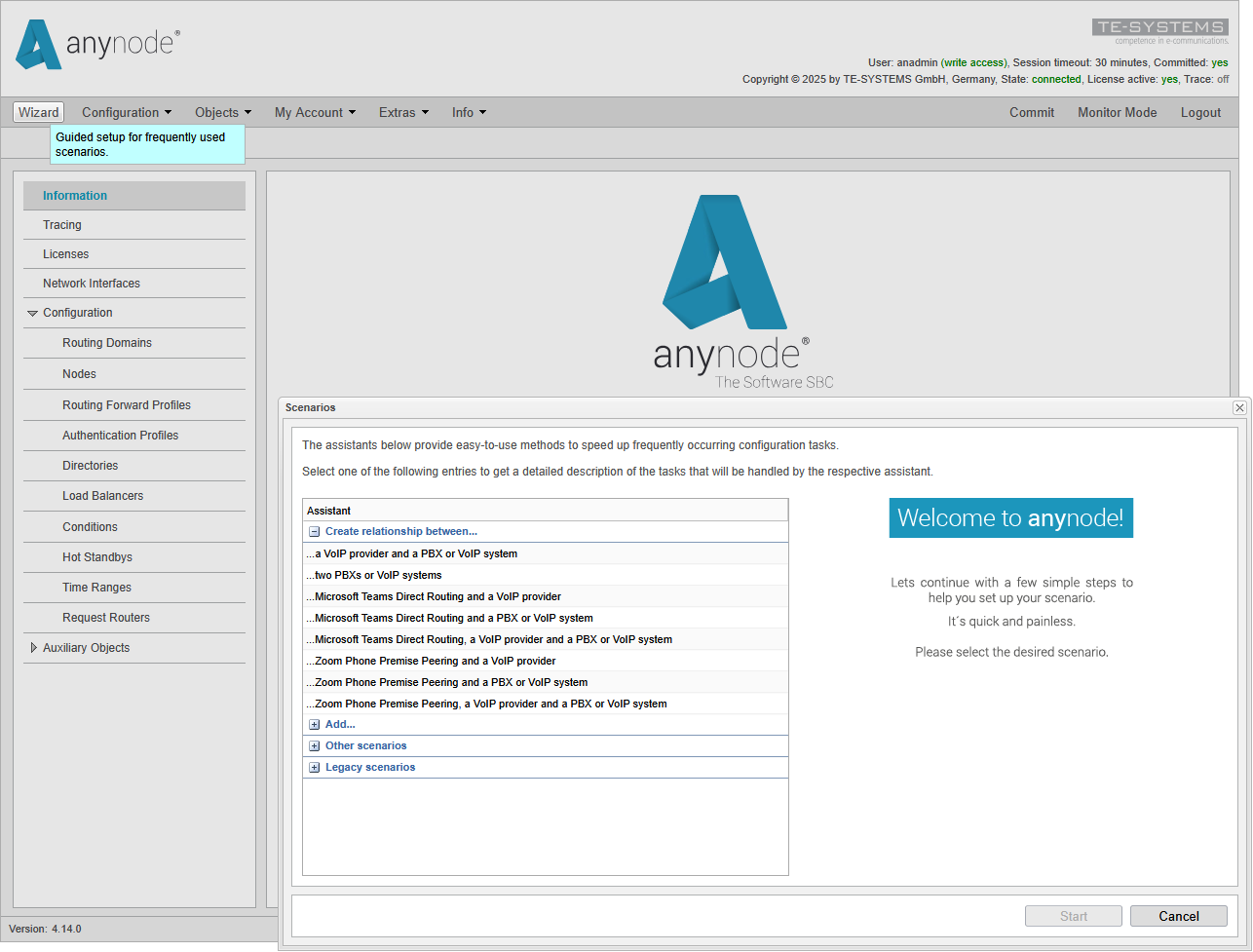
The anynode Scenario Wizard enables structured configuration of standard scenarios via an intuitive guided process