Install Docker Desktop on Windows
Docker Desktop is not supported on server versions of Windows, such as Windows Server 2019 oder Windows Server 2022. Because Homer 10 requires Linux-based containers, the all-in-one deployment cannot run on this operating system. Use a Linux VM instead.
You need to install Docker Desktop on Windows because Windows cannot run Linux-based Docker containers natively. Docker Desktop provides all the components required to run, manage, and network containers on a Windows machine — which is essential for running the Homer 10 all-in-one stack, including:
-
heplify-server
-
qryn
-
ClickHouse
-
Grafana
-
vector
-
alertman
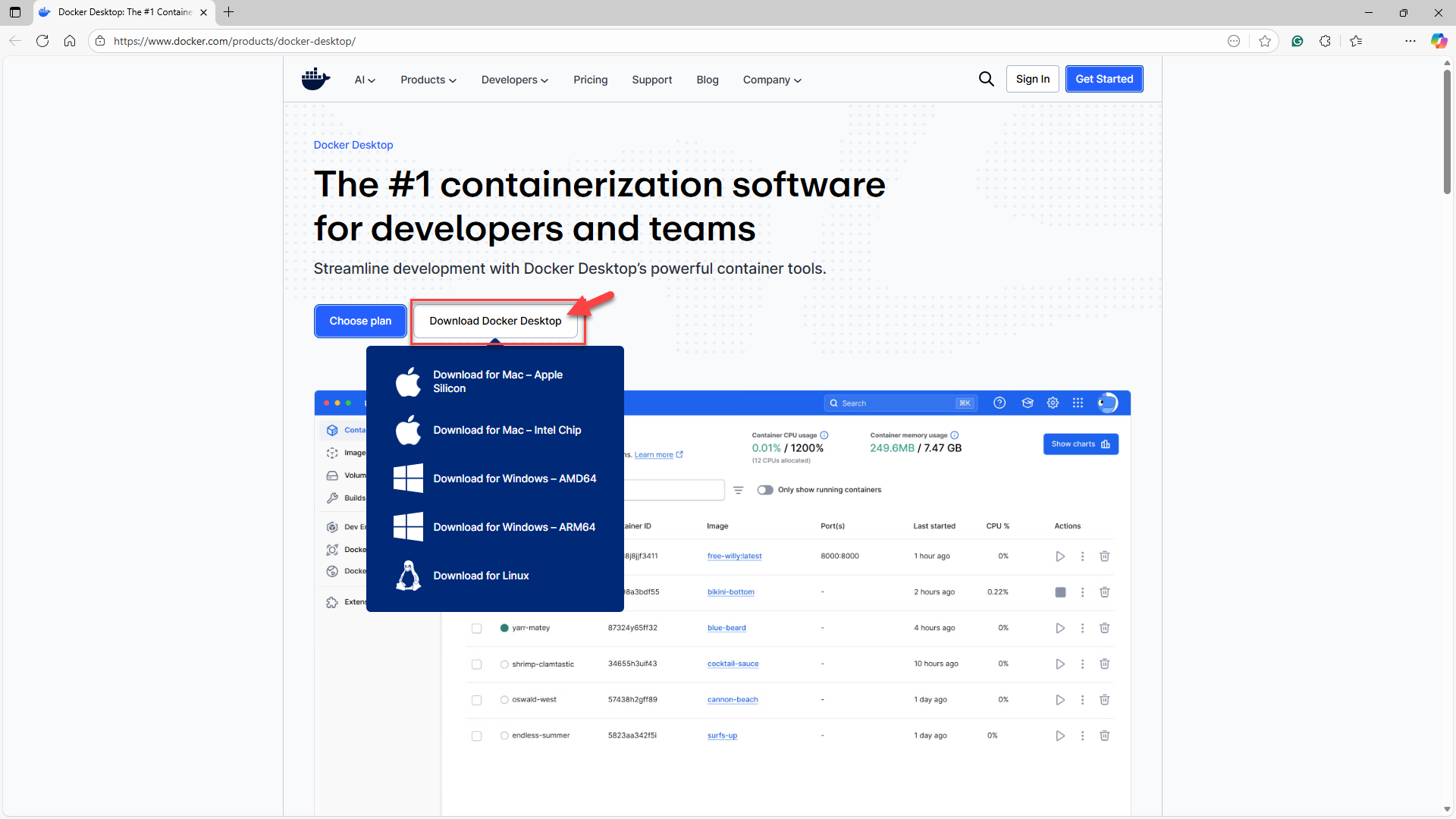
Download Docker Desktop (Windows):
Start Homer Desktop
After installation:
Start Docker Desktop.
Ensure it says Running
You must restart Windows if prompted
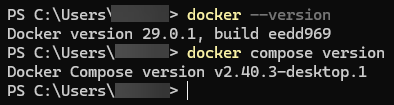
Verify Docker works
Open PowerShell
docker --version
docker compose version
Both should return a version.